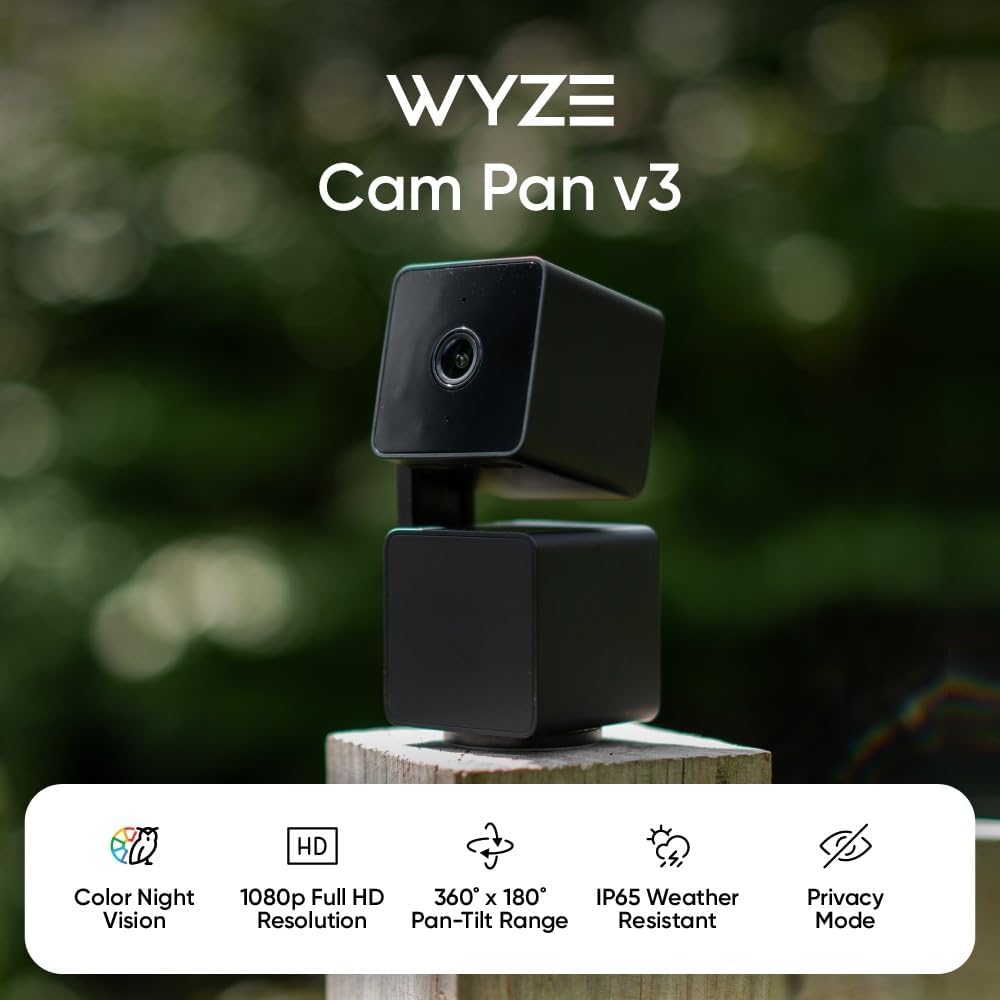
To mount a Wyze Cam Pan v3 in a rental apartment without drilling, use a combination of 3M Command Strips (the large picture-hanging variety rated for 5+ lbs), a tension rod across a doorway or window frame, or a spring-loaded clamp on existing furniture. The Cam Pan v3 weighs only about 8 ounces, so adhesive mounts and clamps easily handle it without putting a single hole in your wall. Below is the complete renter-friendly playbook, including the exact damage-free hardware that works, three specific mounting locations pet owners swear by, and pet-camera alternatives if you decide the Wyze isn't the right fit for your apartment.
Figuring out how to mount Wyze Cam Pan v3 in rental apartment without drilling is one of the most common questions from new pet parents who are stuck reading lease clauses that forbid wall damage. The good news: the Cam Pan v3's small footprint and weatherproof base make it one of the easiest indoor pet cameras to install without a single screw. Let's walk through the full setup.
The best how to mount wyze cam pan v3 in rental apartment without drilling for your situation depends on how you plan to use it and where.
Why renters love the Wyze Cam Pan v3 for pet monitoring
The Cam Pan v3 rotates a full 360 degrees horizontally and 180 degrees vertically, which means a single well-placed camera can cover an entire studio or one-bedroom apartment. It supports color night vision, motion tracking that follows your dog or cat across the room, and two-way audio so you can tell your beagle to get off the counter from your office. At under $40, it's also the most budget-friendly pan/tilt option on the market in 2026.
But all of those features mean nothing if you can't mount it properly. The included hardware assumes you can drill into drywall or a ceiling joist, which is a non-starter for most apartment leases. Here's how to work around that.
The five no-drill mounting methods that actually work
Method 1: Heavy-duty Command Strips (the wall mount workhorse)
3M Command Strips are the gold standard for renters. The Cam Pan v3 weighs roughly 8 ounces with the USB cable attached, so a single pair of large strips (rated for 4 lbs each) gives you more than 10x the holding power you need. Press the camera's flat base directly to the strip after cleaning the wall with rubbing alcohol, then wait the full 60 minutes 3M recommends before powering it up. When you move out, pull the tab straight down and the strip releases cleanly without paint damage.
Avoid placing strips on textured wallpaper, freshly painted walls (under 30 days old), or brick. Smooth eggshell or satin paint is the sweet spot.
Method 2: Tension rod across a doorway
A spring-loaded tension rod (the kind designed for shower curtains or closet organization) wedged horizontally across a doorway or window frame creates an instant mounting bar. Use a zip tie or small camera clamp to attach the Cam Pan v3 to the rod. This puts the camera at ceiling height with a sweeping view of the room, perfect for catching your cat's 3 AM zoomies.
Method 3: Bookshelf or furniture clamp
A small spring clamp (like a Manfrotto Super Clamp or a generic GorillaPod-style clamp from Amazon) attaches to bookshelf edges, door tops, the back of a couch, or a kitchen cabinet. The Cam Pan v3's threaded base accepts a standard 1/4-20 tripod screw, so any clamp with that mounting stud works. This method is completely reversible and lets you reposition the camera in seconds.
Method 4: Adhesive ceiling mount
For overhead coverage, use a Velcro Industrial Strength adhesive pad (rated for 10 lbs) directly on a smooth ceiling. The pan/tilt motion still works from an upside-down position, and Wyze's app has an "image rotation" toggle that flips the feed right-side up.
Method 5: Over-the-door hook
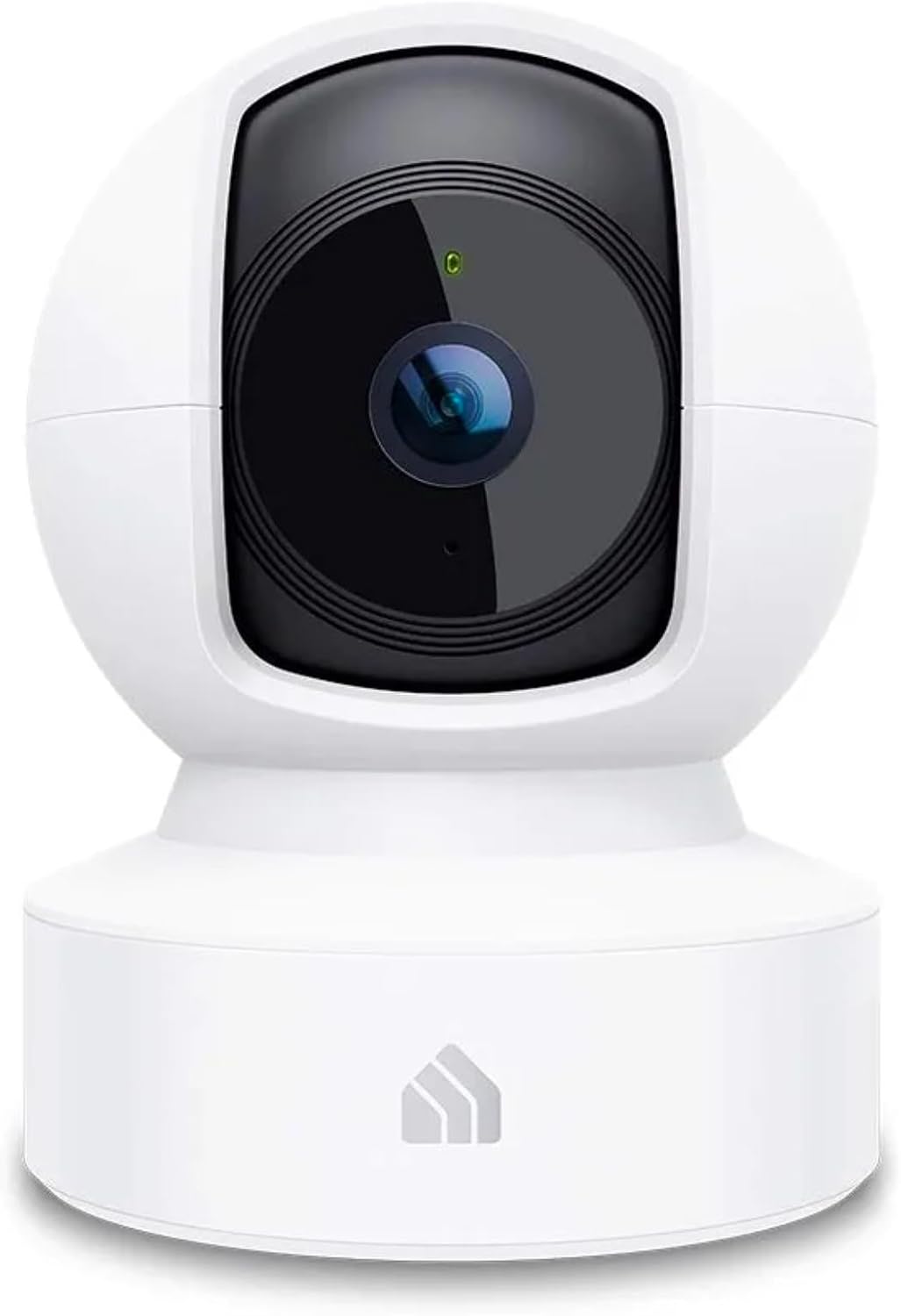
The simplest renter hack: an over-the-door hook with a flat platform lets you set the camera at the top of any interior door, giving you a panoramic view down a hallway or into an adjacent room.
Renter-friendly pet cameras compared
If you're still shopping or want a backup option that's even easier to deploy, here's how the top no-drill pet cameras stack up in 2026:
| Camera | Mount Style | Resolution | Pan/Tilt | Best For |
|---|---|---|---|---|
| Wyze Cam Pan v3 | Flat base + tripod thread | 1080p | Yes (360°) | Budget pan/tilt coverage |
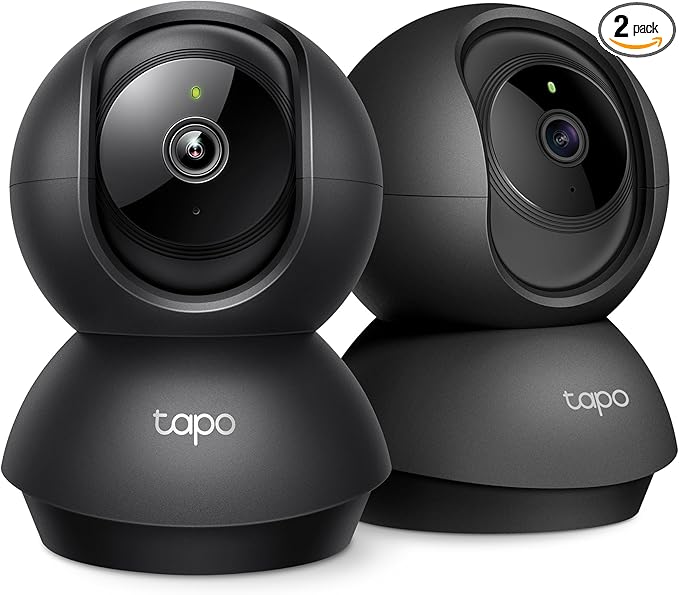
| Tapo 2K Pan/Tilt | Flat base + tripod thread | 2K | Yes (360°) | Sharper image, no-drill ready |
| Blink Mini 2K+ | Plug-in cube, free-standing | 2K | No | True zero-install renters |
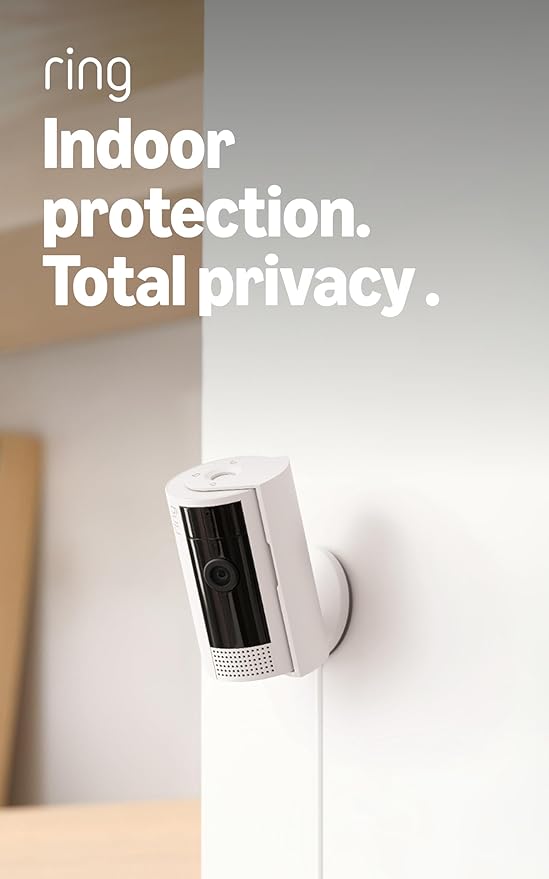
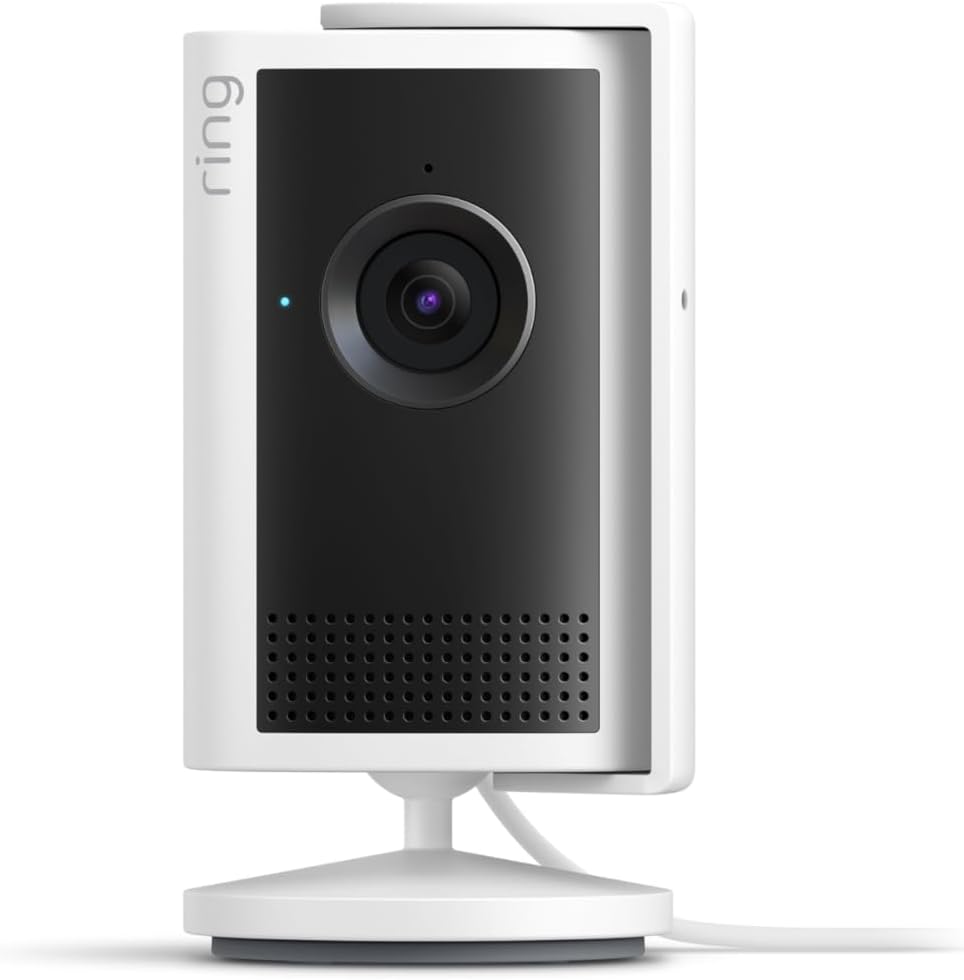
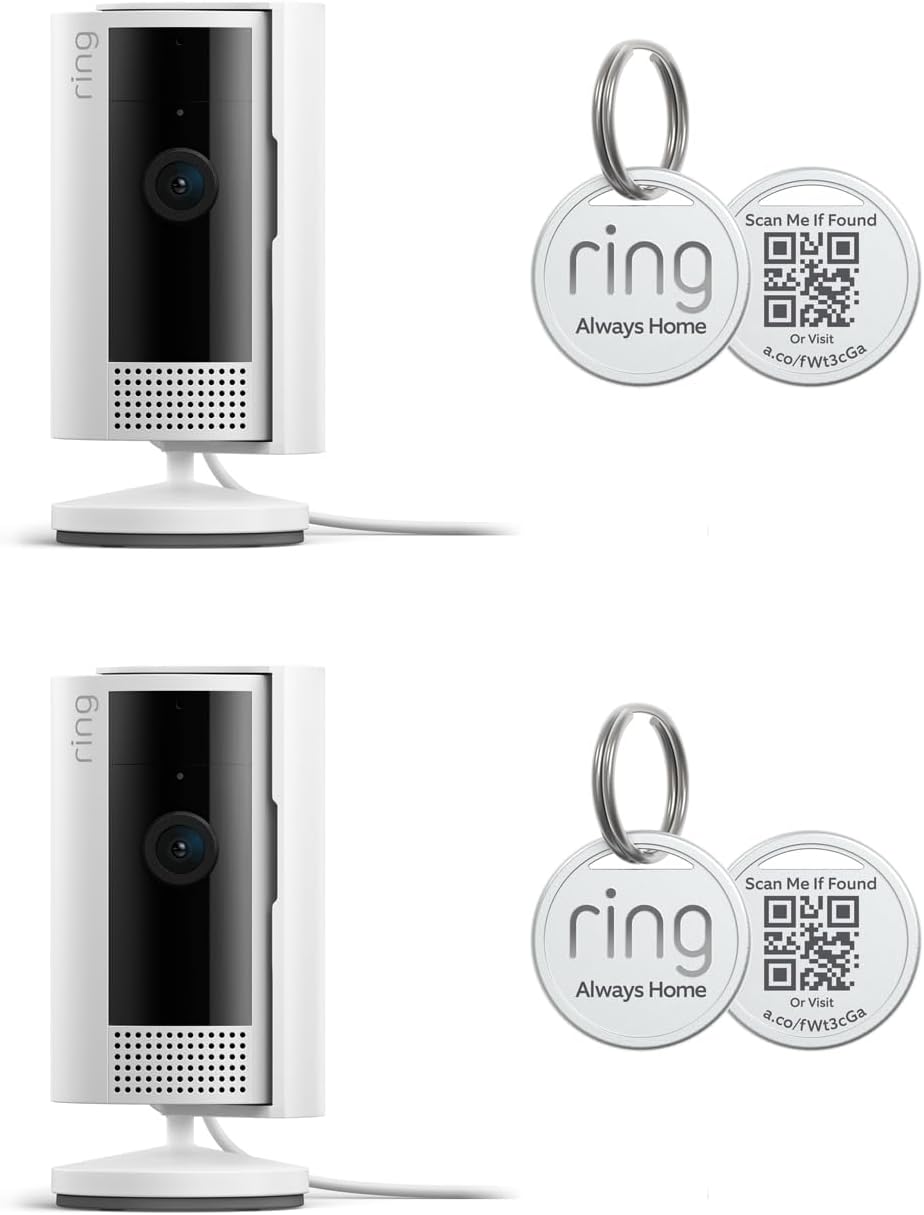
| Ring Indoor Cam | Tabletop stand | 1080p | No | Existing Ring ecosystem users |
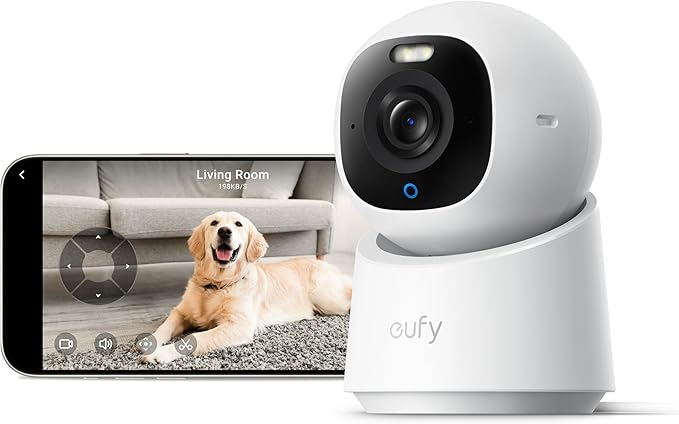
| eufy E30 | Magnetic mount + base | 4K | Yes | No-subscription power users |
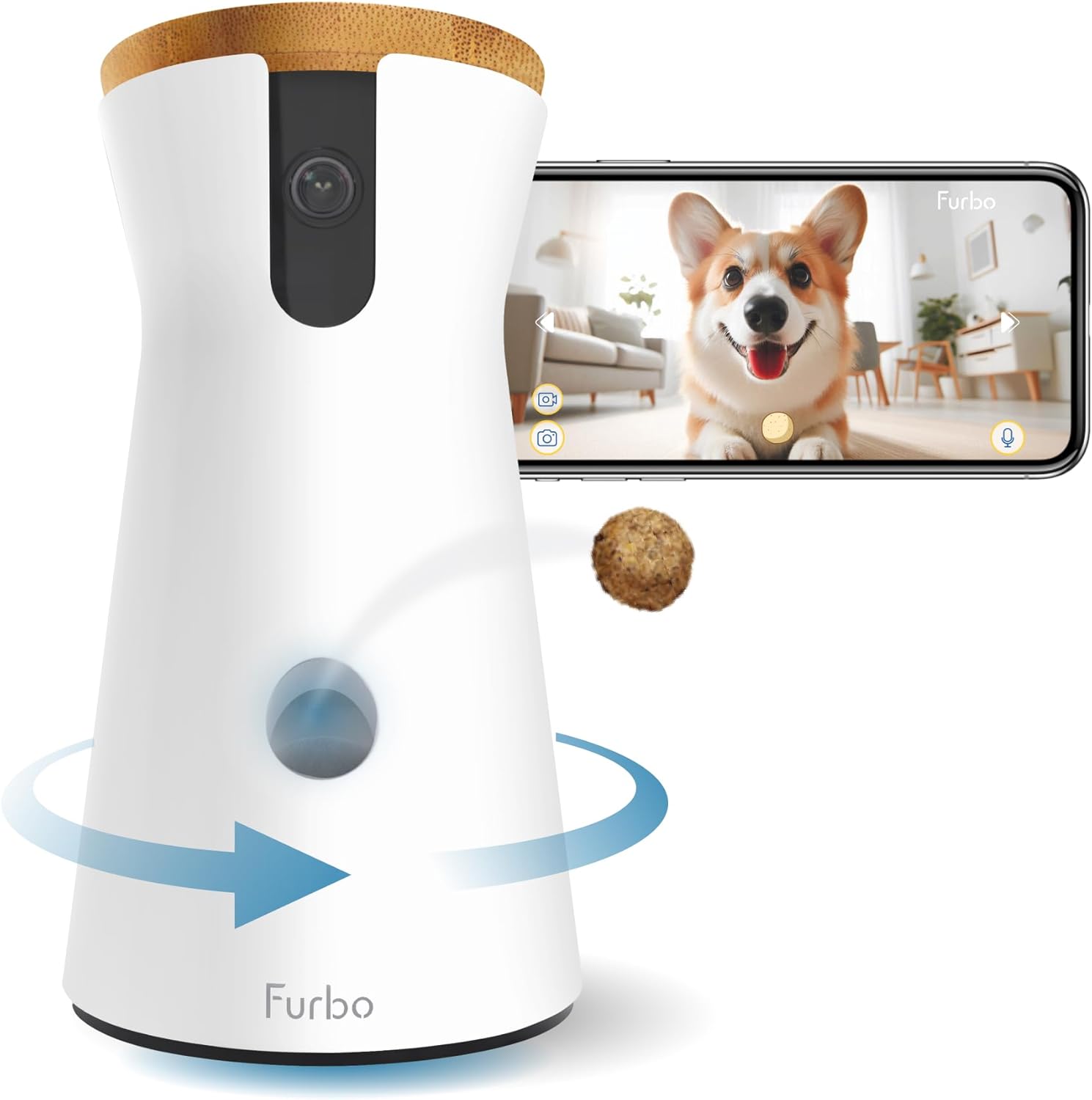
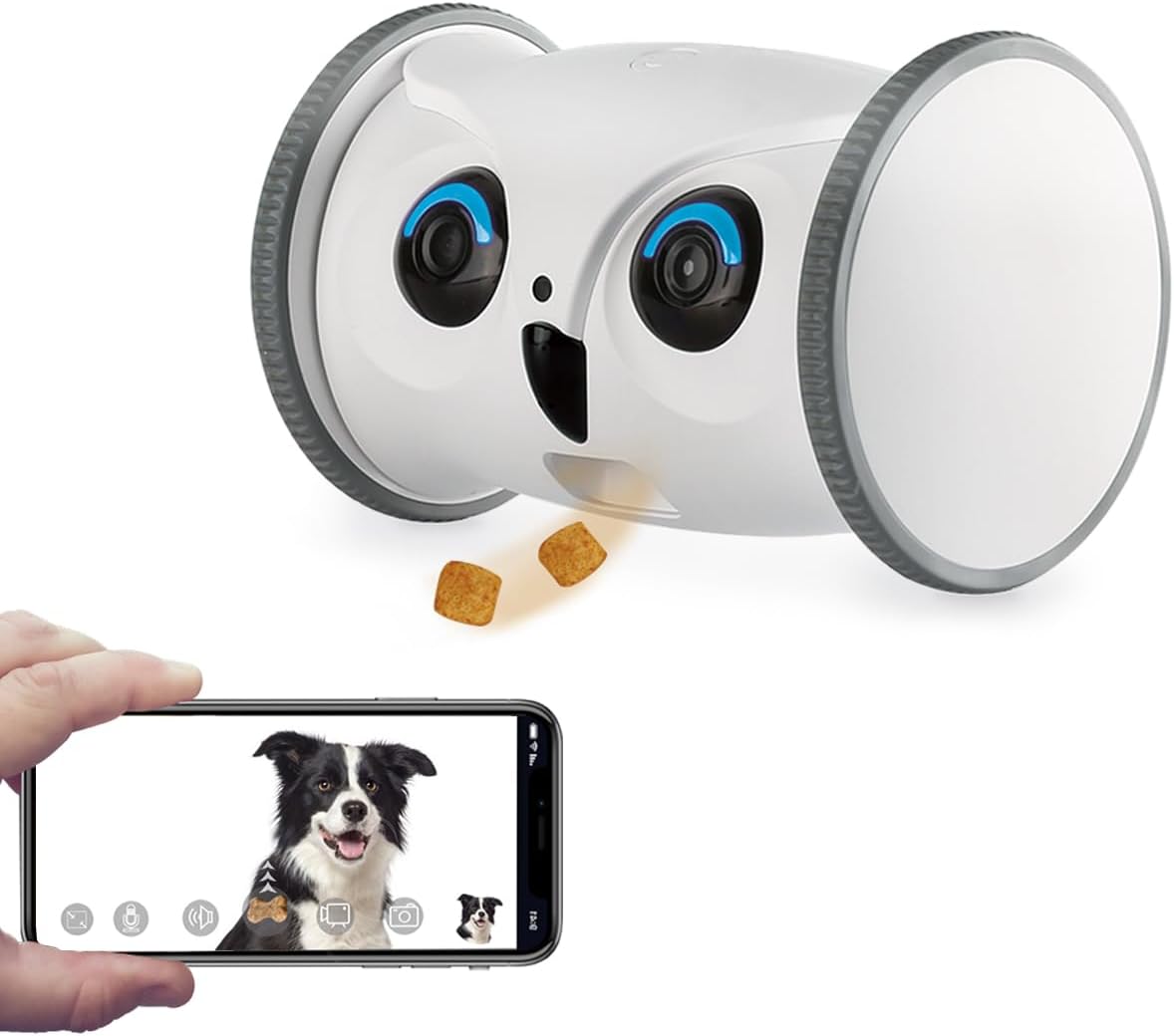
| Furbo 360° | Free-standing | 1080p | Yes (360°) | Dog owners wanting treat toss |
Top alternative pet cameras for renters who skip the Wyze
Tapo 2K Indoor Pan/Tilt — best direct Wyze alternative
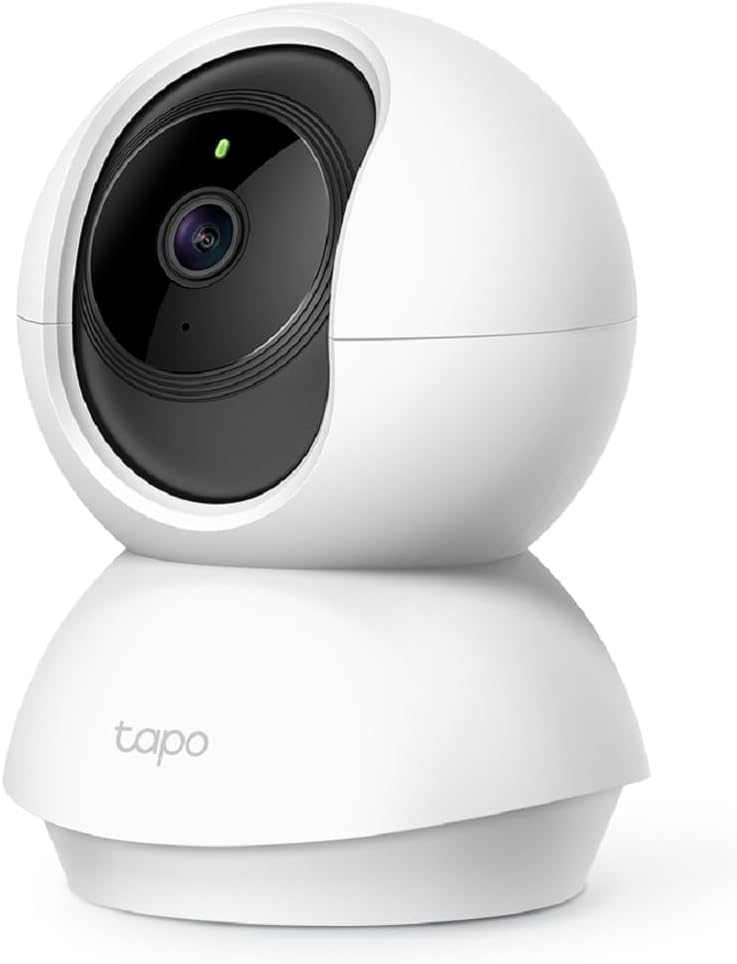
If you want the same 360° pan/tilt experience but at noticeably higher resolution, the TP-Link Tapo is the obvious upgrade. Its flat base is also Command Strip-friendly, the tripod thread accepts the same clamps, and the 2K sensor gives you readable detail across a larger room. Setup takes under five minutes through the Tapo app, and motion tracking is buttery smooth for following pets. Check the Tapo 2K Pan/Tilt on Amazon.
Blink Mini 2K+ — the zero-install option
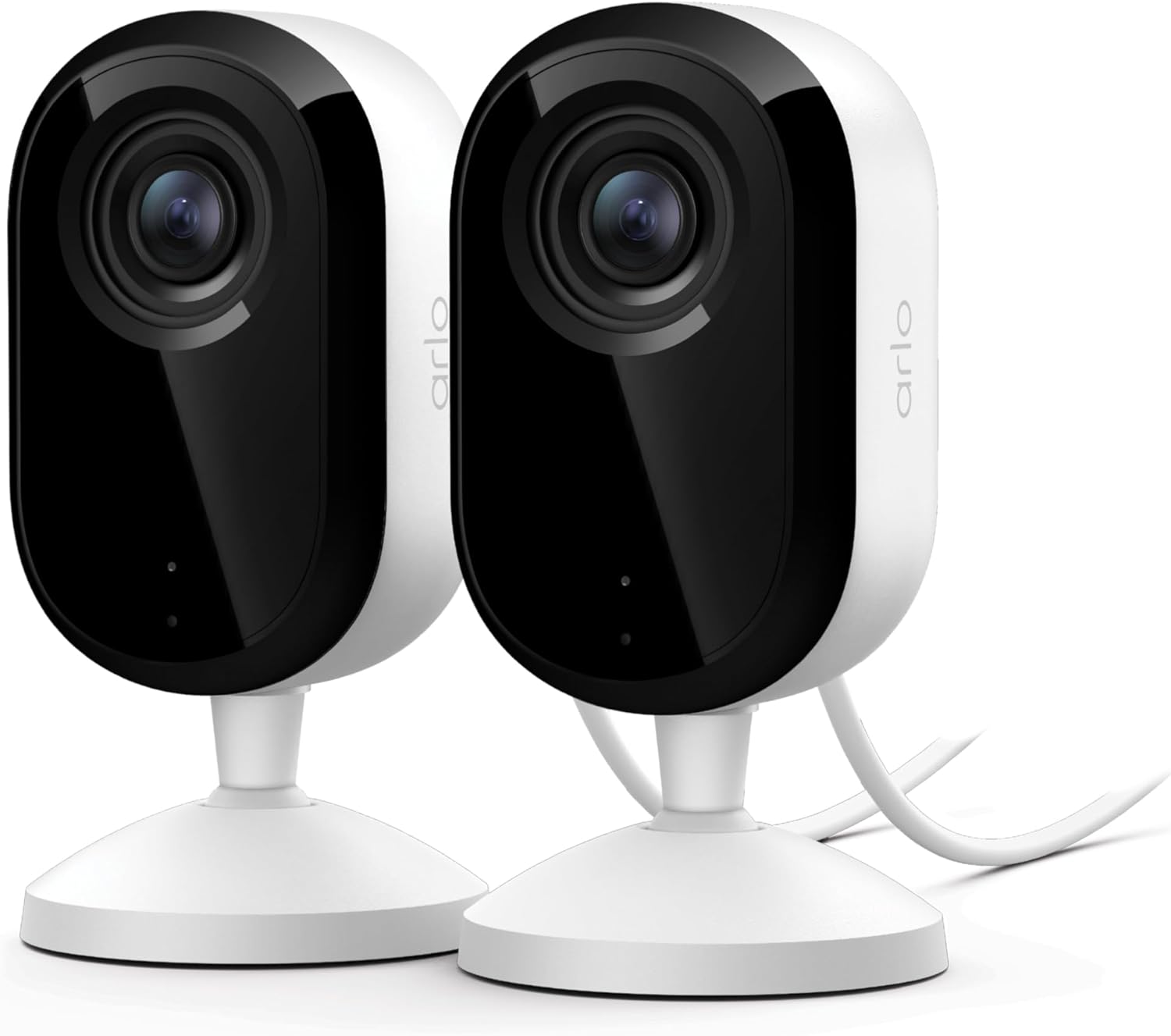
If even Command Strips feel like too much commitment, the Blink Mini 2K+ is a tiny cube you simply set on a shelf and plug into the wall. No mounting hardware, no tools, no adhesive. It's the most renter-proof pet camera on the market. The 2K sensor punches way above its weight class, and Alexa integration means you can pull the feed onto an Echo Show. View the Blink Mini 2K+ on Amazon.
Ring Indoor Cam — for renters already in the Ring ecosystem
If you have a Ring video doorbell or Ring alarm, adding the Indoor Cam gives you one app for everything. It ships with a small tabletop base that requires zero installation, and the 1080p HD feed plus two-way talk handle basic pet monitoring well. Privacy shutter is a nice touch when you're home. Check the Ring Indoor Cam on Amazon.
eufy E30 — no-subscription 4K powerhouse
The eufy E30 ships with a magnetic mount that sticks to its included metal base plate — and that base plate attaches to walls or ceilings with adhesive pads, no drilling required. 4K resolution, AI pet detection, and zero monthly fees make this the premium pick for renters who want a long-term investment. See the eufy E30 on Amazon.
Furbo 360° — for dogs who deserve a treat
The Furbo is a free-standing tower (no mounting at all required) with a built-in treat dispenser. Toss kibble through the app, and the 360° camera follows your dog around the room with bark alerts pushed to your phone. It's the most engagement-focused pet camera available. Check the Furbo 360° on Amazon.
Best placement spots in a typical apartment
Once you have your no-drill hardware ready, placement matters more than the mount itself:
- Corner of the living room, 6-7 feet high: Command Strips on the wall in a corner give the Cam Pan v3 a 360° view of the entire room with no blind spots.
- Top of the refrigerator: No mount needed — just set it there. Catches counter-surfing cats and kitchen wandering.
- Bookshelf in the bedroom: A clamp on a shelf edge points the camera at your pet's bed or crate for nap-time monitoring.
- Bathroom doorway with tension rod: If your dog hides in the bathroom during storms, you'll know immediately.
For more layout ideas tailored to small spaces, see our best pet cameras for small apartments guide.
Cable management without nails
The Cam Pan v3 needs a USB power cable, which is the other half of the no-drill puzzle. Use 3M Command Cord Clips (the small adhesive U-shaped clips designed for cable routing) to run the cable down the wall and around door frames. A six-pack costs about $5 and is fully removable. If your outlet is on the opposite wall, a flat under-rug extension cable rated for the appliance is the cleanest workaround.
What your lease actually says (and what it doesn't)
Most standard apartment leases prohibit "holes larger than a standard nail" or "permanent alterations." Command Strips, tension rods, and clamps do not create any of these. You're well within the bounds of even strict leases. If you're paranoid, take a photo of the wall before installing and another after removal — you'll have proof of zero damage if your landlord ever pushes back on your security deposit.
For renters worried about WiFi and privacy concerns when installing connected cameras, check our renter's guide to pet camera privacy and WiFi setup.
Frequently Asked Questions
Can Command Strips really hold a Wyze Cam Pan v3 long term?
Yes. The Cam Pan v3 weighs about 8 ounces, and a single pair of large Command Strips is rated for 4 lbs each (8 lbs combined). That's a 16x safety margin. As long as you clean the wall with rubbing alcohol first and wait a full hour before powering on the camera, the mount will hold for years. Replace the strips every 2-3 years if you keep the camera in the same spot.
What's the best way to mount a Wyze Cam Pan v3 on the ceiling without drilling?
Use Velcro Industrial Strength adhesive pads (rated for 10 lbs) on a smooth, clean ceiling surface. Stick one pad to the ceiling, the matching pad to the camera base, and press firmly for 30 seconds. Then enable the "image rotation" toggle in the Wyze app to flip the upside-down feed right-side up.
Will my landlord notice a Wyze camera installation when I move out?
No, if you use Command Strips and remove them correctly. Pull the tab straight down (not out) at a slow, steady angle until the strip releases. The wall will look exactly as it did before installation. Take before/after photos as insurance for your security deposit.
Can I mount the Wyze Cam Pan v3 on a window without drilling?
Yes, using a suction cup mount with a 1/4-20 tripod thread. These cost around $10 and stick to glass or any smooth, non-porous surface. Just be aware that direct sunlight through the window can wash out the camera's image during the day, so this works better for indoor-facing window mounts than outward-facing ones.
What's the easiest pet camera to install in a rental if I don't want to mess with mounting at all?
The Blink Mini 2K+ wins this category — it's a plug-in cube with a free-standing base that sits on any shelf or table. No adhesive, no clamps, no hardware. The Furbo 360° is similar (a free-standing tower) and adds treat dispensing for dog owners.
Do I need a Wyze Cam Plus subscription to use the Cam Pan v3 for pet monitoring?
No. The free tier supports live streaming, two-way talk, and pan/tilt control. You only need Cam Plus ($3/month) if you want continuous cloud recording and AI pet detection. For most renters, the free tier plus a $5 microSD card for local recording is enough. See our Wyze Cam Plus vs free tier comparison for details.
How do I hide the Wyze Cam Pan v3 power cable in an apartment?
Use 3M Command Cord Clips (small adhesive U-shaped clips, about $5 for a six-pack) to route the cable along baseboards or around door frames. For longer runs, a flat under-rug extension cable handles the distance without any visible wire. Both options leave zero damage when removed.
Is the Wyze Cam Pan v3 actually good enough for pet monitoring, or should I spend more?
For under $40, the Cam Pan v3 is hard to beat for basic pet monitoring. The 1080p resolution, 360° pan, and color night vision handle 90% of pet-parent needs. If you want sharper image quality, the Tapo 2K or eufy E30 are worthwhile upgrades. If you want treat tossing, only the Furbo delivers that feature.
Key Takeaways
- Choosing the right how to mount wyze cam pan v3 in rental apartment without drilling means matching capacity and output ports to your actual devices
- Always check actual watt-hours (Wh), not just watts — runtime depends on Wh, not peak output
- Also covers: wyze cam pan v3 no drill mount renters
- Also covers: damage free wyze pan v3 ceiling install apartment
- Also covers: command strip mount wyze cam pan v3 for pets
- Compare price-per-Wh across models to find the best value for your budget